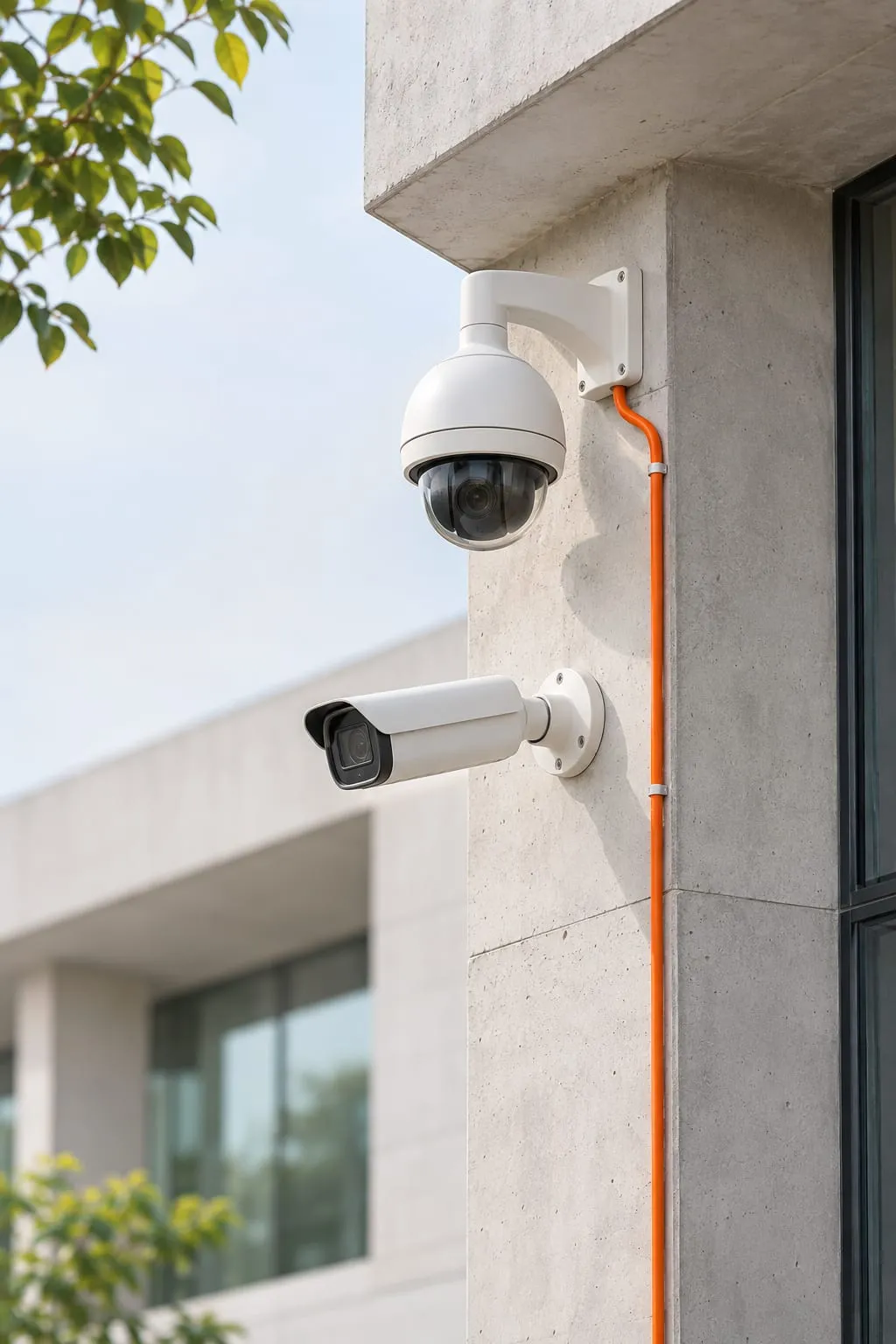
How should you plan camera coverage?
Plan coverage around the event you need to understand, then choose the camera position and lens that can capture it. A yard overview will not necessarily give you a readable vehicle plate. The entrance may need both views.
Begin a site survey by walking the routes people and vehicles actually use. Mark doors, delivery bays, tills, perimeter crossings and areas where stock changes hands. For each position, state whether the operator needs an overview, a recognizable person or a readable detail. A camera symbol on a floor plan proves little. Check what that position will actually show.
Resolution helps only when enough useful detail reaches the relevant part of the image. Lens choice, subject distance and mounting angle determine how much of the scene fills the frame. A high camera looking down at heads may document movement without providing a useful face view. Reflective surfaces, backlighting and moving shutters can also defeat an otherwise sensible placement.
| Camera type | Useful application | Design limitation to check |
|---|---|---|
| Bullet | Directed outdoor entrances and perimeter views | Exposure, reachable mounting points and glare |
| Dome | Indoor circulation and protected public areas | Reflections and image quality through the cover |
| PTZ | Operator-directed inspection across a large area | Detail outside its current position is not continuously captured |
| Fisheye | Broad indoor overview from one location | Edge detail and dewarping support in playback |
| Thermal | Detecting heat differences in suitable scenes | Temperature interpretation and limits on visual identification |
Accept the placement only after checking both day and night footage. Infrared illumination can reflect from a nearby wall or wash out a plate. Weather protection and safe maintenance access belong in the design too. Record privacy exclusions so a later camera adjustment does not quietly expand monitoring into neighboring or sensitive spaces.
Which AI analytics deserve a place in the design?
Useful analytics detect a defined event that someone can act on. If nobody owns the alert, it will sit unanswered. Repeated alarms from normal site activity are another reason to reconsider a feature.
Intrusion and line crossing can help monitor a closed yard or a restricted doorway. Set the detection region and crossing direction to match the rule, then apply the correct operating hours. A delivery vehicle crossing a boundary during permitted hours is different from movement after closure. Test shadows, vegetation and changing light rather than accepting a demonstration in a quiet scene.
Retail people counting and heatmaps can help describe movement through a space. They require suitable camera angles and consistent definitions of entry, exit and repeat movement. A count near a busy doorway can include staff or people who turn back. Treat these outputs as operational measurements with known limitations, rather than exact evidence of sales or individual intent.
An ANPR camera system needs a deliberate vehicle capture point. Plate angle, vehicle speed, headlights and local plate formats affect recognition. Test representative plates, including ones the system cannot read. Operators need a manual process for those. Linking recognition to a gate requires additional checks: the expected response to a failed lookup must be clear before automatic access is enabled.
Factory PPE and safety detection can flag missing equipment in suitable views, but occlusion and changing uniforms need evaluation. Smoke and fire analytics may provide supplementary alerts; they must not be assumed to replace required fire detection systems. Loitering rules also need context, since waiting near reception can be normal. Face recognition requires legal, consent and privacy review, and any use must follow local law. Start with the least intrusive method that serves the stated purpose.
How do storage and retention requirements translate into disks?
Calculate storage using the combined recording bitrate and how long each camera records. Use the capacity available for footage, rather than the raw disk total. Set the retention policy first, then calculate whether the recording architecture can support it under realistic conditions.
For each camera, estimate the recording bitrate in bits per second and multiply by the seconds recorded during the retention period. Add all camera streams and convert bits to bytes using consistent units. Continuous recording, scheduled recording and event recording produce different totals. For event recording, estimate how often events occur and include the footage saved before and after each event. An event schedule is not a fixed storage figure.
Codec, frame rate, resolution and scene activity affect bitrate. A quiet corridor and a busy outdoor scene can produce different storage demand with similar camera settings. Variable bitrate makes a single short sample unreliable, so use representative footage and allow for changing activity. Audio, where permitted and required, adds another stream and a separate privacy decision.
Usable disk capacity is less than the sum printed on the drives when redundancy, formatting and system reservations apply. Disk redundancy can help with a drive failure, but it does not protect against deletion, theft or every recorder fault. Define a separate evidence export process for incidents that must remain available after routine footage expires.
Choose an NVR or VMS based on supported cameras, playback tools and operating responsibilities. An NVR can suit a contained installation; a VMS may offer more flexible management across servers or sites. The label alone proves no compatibility. Test search and export with the intended operator, and confirm what happens when storage fills or a camera stops recording.
How can analog cameras migrate to IP without losing the plan?
Migrate by assessing each existing view and replacing weak points in phases. Keep an existing camera only if its image serves the assigned purpose and the equipment remains supported. Its connection to the new recorder also needs checking.
Survey existing coax, power supplies and recorder inputs before promising a simple swap. A hybrid recorder or encoder may provide a transition route, but it cannot restore detail that an old camera never captured. Check recordings rather than relying only on the live picture. Existing mounts and cable routes may remain useful even when the imaging equipment changes.
IP cameras introduce network dependencies. PoE switching must supply the required power across all attached devices, including operating conditions that increase demand. Uplink capacity and cable distances need review alongside the camera schedule. Coordinate these changes with networking solutions so surveillance traffic has a documented route to the recorder.
Keep cameras on their own VLAN with access rules that allow only necessary recording, time synchronization and management traffic. Change default passwords, use named administrative accounts where supported and plan firmware updates. Remote mobile viewing needs controlled access rather than casually exposing management ports to the internet. Cybersecurity services can help define that boundary when the site has broader access risks.
Access control and alarm integrations need an event map: which event triggers which action, who receives it and how failures are handled. Verify supported interfaces and licensing before including an integration in the acceptance plan.
How long does it take?
A small site with accessible cable routes may need several days of installation and testing, while larger sites commonly need phased work over weeks. Those ranges are general guidance; the survey determines a useful schedule for the actual premises.
Occupied buildings create constraints that drawings cannot show. Ceiling access, working at height and permitted outage windows affect the sequence. New poles, trenching or power provision can take longer than camera configuration. Equipment readiness and building approvals should have separate milestones so one delay does not hide another.
For CCTV installation in Pakistan, DTech Global reviews coverage before agreeing the equipment schedule. Acceptance checks use the scenes the cameras are meant to capture. Remote design for international sites needs local survey evidence and people responsible for mounting and physical tests. Photographs help review placement, but they do not replace checking recorded detail at the required distance.
Allow time to return to difficult lighting conditions. A gate view that works at midday may fail when headlights face the camera after dark. Before signing off, check live views and recorded playback, then trigger the agreed events. Assign any remaining exception to someone who can resolve it.
What drives the cost?
Cost is driven by the required image detail, physical installation and recording workload. Camera count alone misses the difference between a nearby indoor view and an exposed gate requiring dedicated plate capture.
Mounting height, cable containment, outdoor protection and access equipment affect labor. PoE switches, rack space and power backup may need changes even when the camera itself is inexpensive. Include optics, compatible licenses and installation materials in the bill of materials so comparisons use the same scope.
Analytics can run on a camera, a recorder or separate processing infrastructure. The choice changes licensing, compute requirements and compatibility checks. Ask what happens to analytics if the recorder changes or a subscription expires. Specialist functions need their own commissioning effort because usable detection depends on the scene.
Retention increases storage demand, while additional sites increase management and remote access work. Maintenance access matters after installation too: a camera above machinery can be expensive to clean or adjust. Before approving procurement, separate the views you must capture from optional analytics. Include the work needed to keep those views usable.
What maintenance and handover keep the system useful?
A useful system needs regular recording checks and documentation that staff can follow. A live image proves the camera is sending video now. It says nothing about whether staff can find and export last week’s footage.
At handover, request the camera schedule, coverage drawings, network details and recording settings. Keep credentials in a controlled location rather than inside broadly shared plans. Record software dependencies and ownership of renewals, firmware review and account removal. Demonstrate mobile access with the intended permissions and show operators how to export an incident without changing the original record.
Use a practical maintenance checklist:
- Inspect lenses and covers for dirt, condensation and damage.
- Confirm camera position after building work or stock layout changes.
- Check recorder time and synchronization across devices.
- Review missing video and disk health alerts.
- Retrieve and export a representative recording.
- Test analytics after lighting or scene changes.
- Review user access and supported firmware updates.
Agree who investigates each fault and who can authorize configuration changes. Managed IT services can provide an ongoing operational scope where the internal team needs help. For a new installation or migration, contact DTech Global with site drawings, existing equipment details and the events you need the system to capture.